What are the pros & cons of this method?
Pros
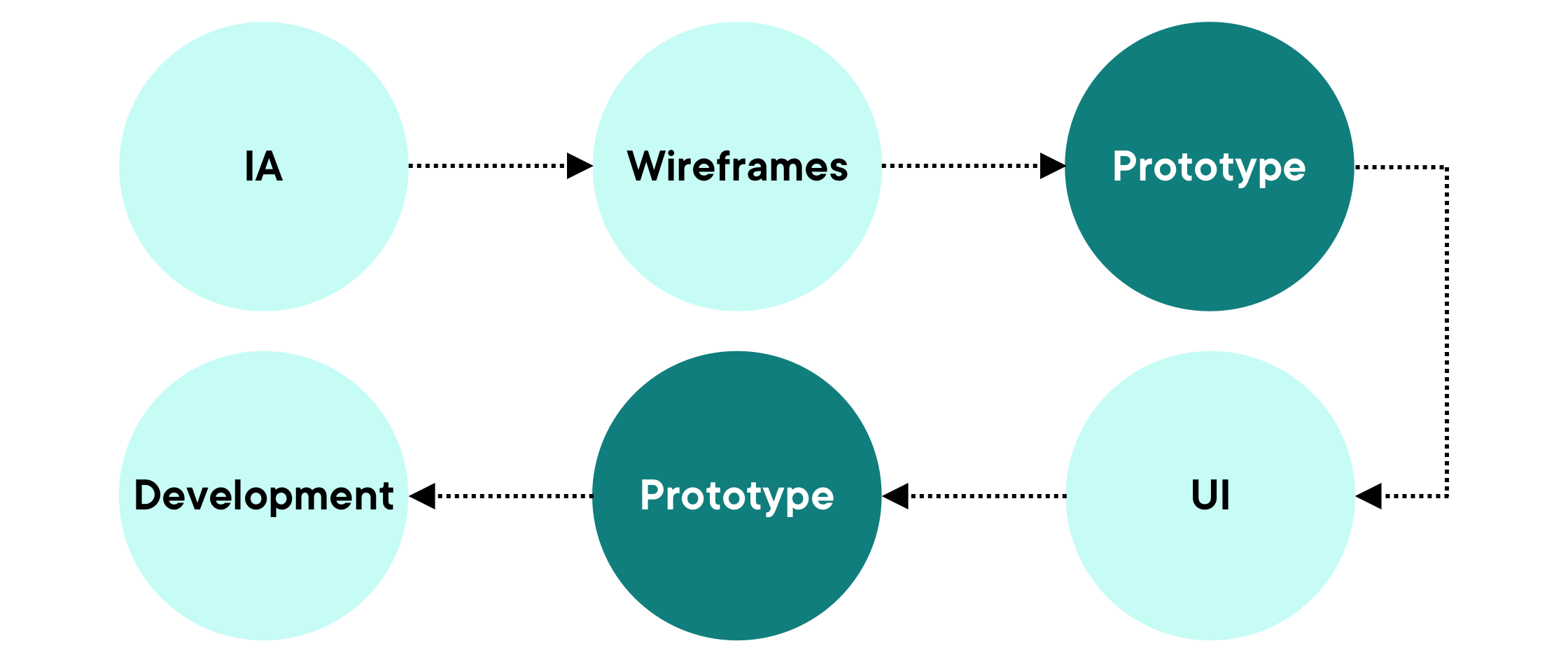
For wireframes, by considering only the layout and structure of page content, this ensures the focus remains on hierarchy and usability, without the need for visual aids that come later in the process during the UI phase. This also enables designers to ensure there are sufficient screens being created, which allows the user journey to be as seamless as possible.
Within UI, stakeholders and users get an accurate representation of how the product will look and feel with all of the branded elements included. Since spacing, typography, and any other styled elements are defined within this phase, it allows the user to understand how information is displayed, and exactly how much content is available to them on each screen.
Cons
The more complex the prototype, the longer it takes to create. For example, a large amount of screens, as well as inclusion of hover effects and transitions can all have an impact on project timings.
It’s important to remember that these prototypes aren’t real webpages, so certain functionality won’t work as expected – you wouldn’t be able to enter text for example, and requires a bit of imagination!
Tools such as Figma, InVision and Adobe XD do allow you to have some forms of interactive behaviour, but sometimes a product requires a more complex animation that prototyping tools cannot achieve. In this instance, an animator may need to be involved to create these elements, which in turn take more time.